Food & retail
Café and menu signage
Display menus, prices and promotions in cafés, restaurants and retail areas. Content, layout and update requirements are agreed for your operation.

Slate OS / Digital signage
Use Slate OS to update everyday signage and promotions across your venue. Create the content, choose the screens and publish.
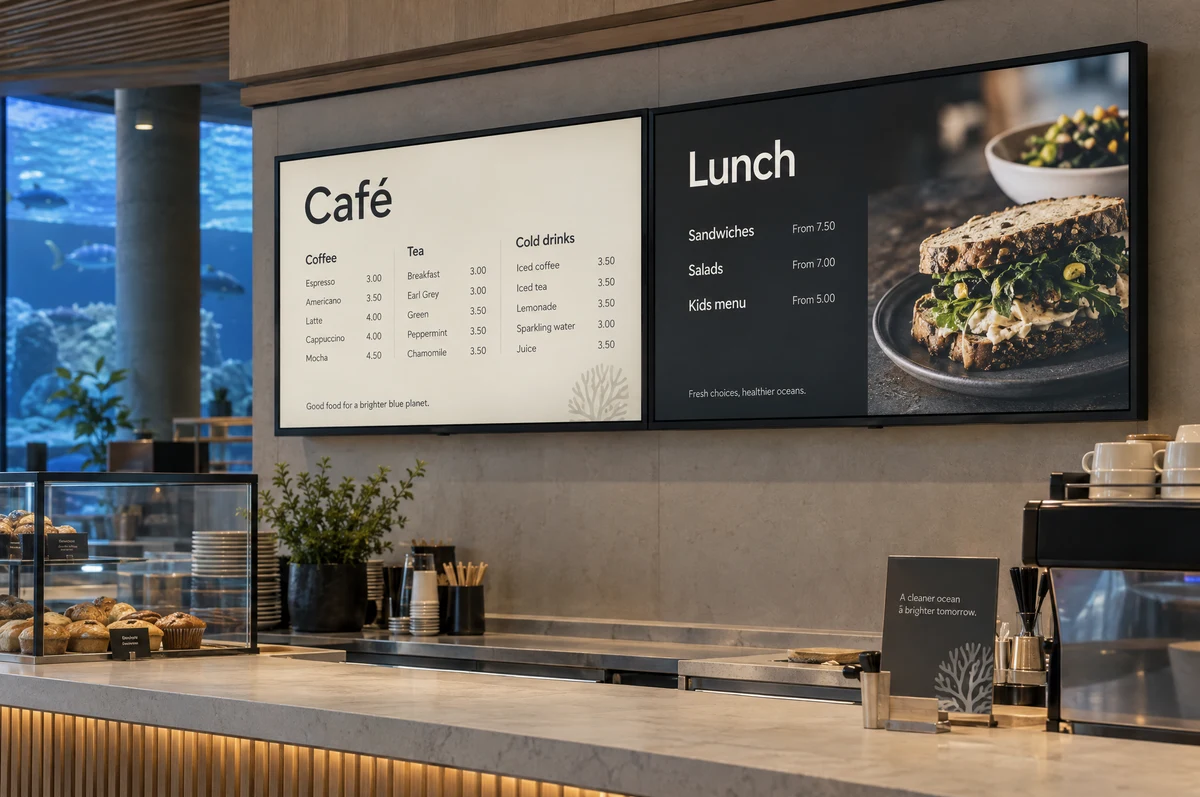
Food & retail
Display menus, prices and promotions in cafés, restaurants and retail areas. Content, layout and update requirements are agreed for your operation.
Visitor navigation
Show directions to exhibits, facilities and services. Choose static information or a custom interactive experience to suit the location.
Facility information
Show daily activities, opening information, notices and venue promotions in entrance areas and shared spaces.
Configuration
Confirm screen size, orientation, placement and scheduling for each location. Live menus, mapping and data connections are scoped for the project.
The same campaign tools distribute general signage and exhibit promotions.
Prepare artwork using the built-in editor, images and text. Use this for a menu, notice or promotion.
Choose the screens or sites and when the content should appear. Different locations can carry different information.
Review the content and send the update to screens. Editing a design does not immediately change the live display.
A manually maintained menu is different from live price or stock data. External menu feeds and interactive wayfinding require a defined integration scope.
General signage uses the same Slate OS content and campaign tools as your exhibit screens. Your proposal confirms the licensed screens and any project-specific requirements.
Yes, where a suitable integration can be scoped. A manually updated menu is different from a live menu, stock or mapping connection; we confirm compatibility and costs before quoting.
Your next step
Tell us about your collection and your plans. We’ll show you the relevant screens, software and visitor experience.