
Hardware / Exhibit displays
Interactive
exhibit displays
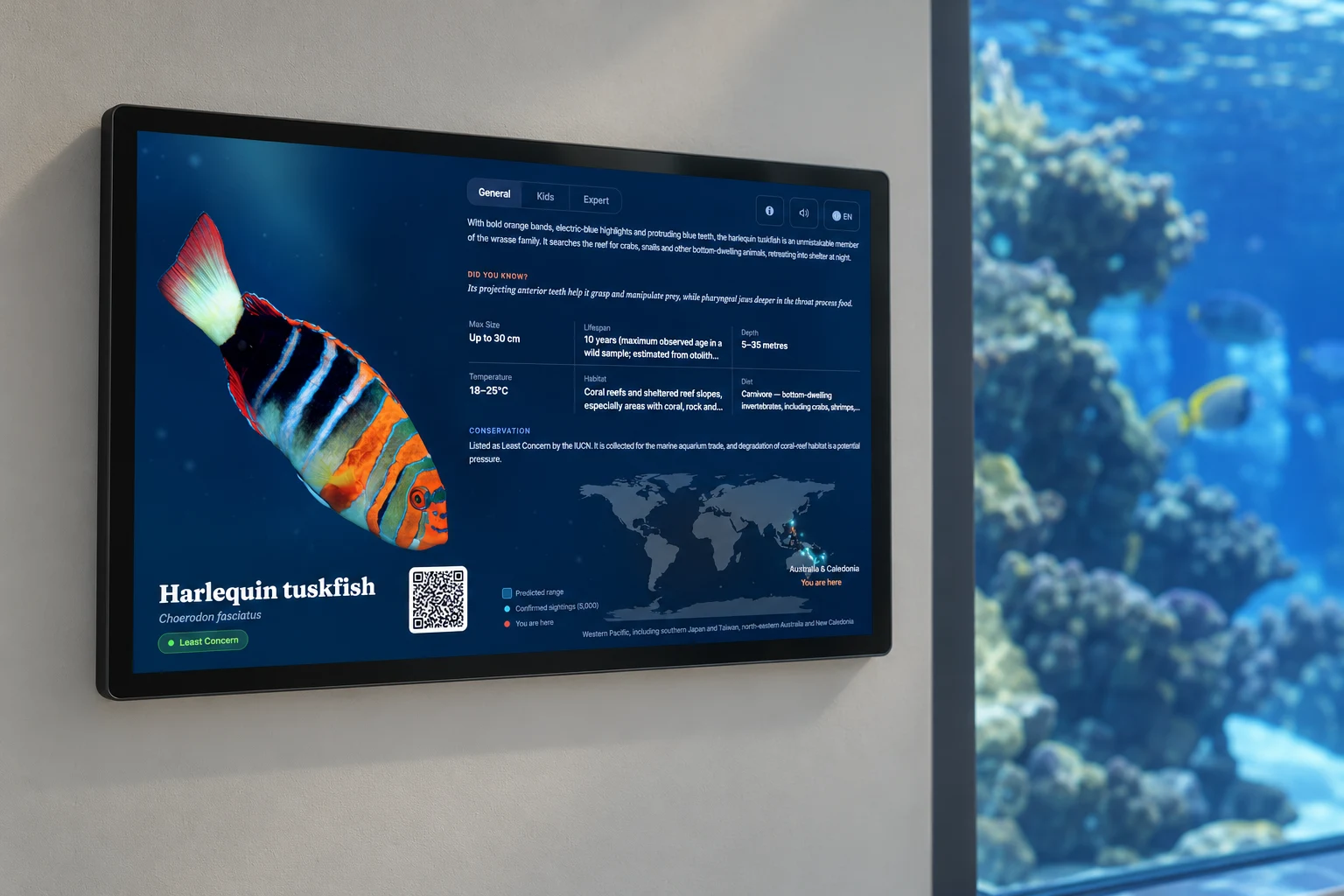
Touchscreens for species information, distribution maps and conservation interpretation, managed through Slate OS.
All products ↗Illustrative renders. Your proposal specifies the hardware.
01 / Exhibit displays
Species information, ready to explore.
Choose how visitors explore each exhibit: touch interaction, species layouts, reading levels and accessibility controls are managed in Slate OS.
Explore the experience controls ↗See the visitor controls
Compare reading levels, language and contrast in the interactive preview.
Try the display previews ↗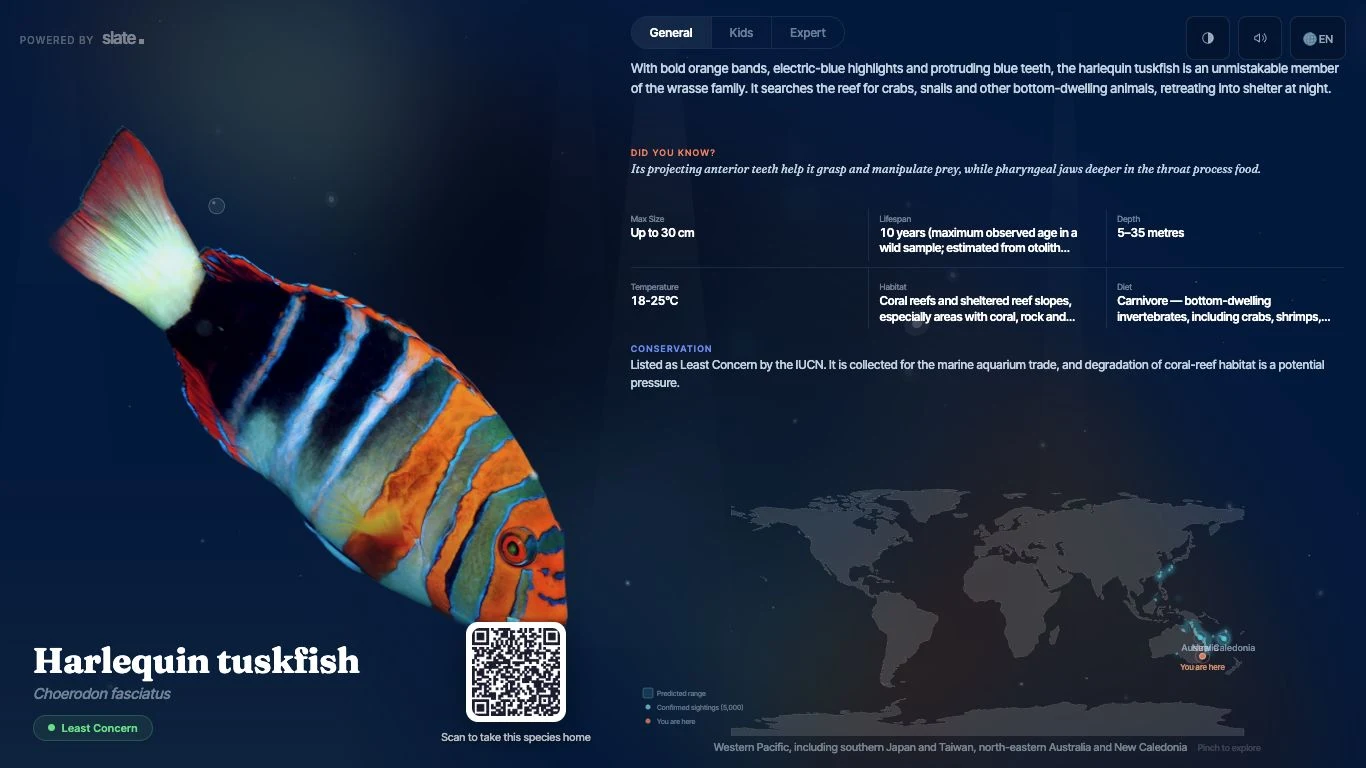
Configuration
Specify the display
Choose the screen around the exhibit, viewing distance and intended interaction.
- Content
- Individual species or a species grid, distribution maps and venue-specific interpretation.
- Visitor controls
- Touch and map interaction can be enabled or disabled. Configure timing, reading levels, language and audio.
- Placement
- Select screen size, orientation and mounting for viewing distance, accessible reach and visitor circulation.
- Site requirements
- Check power, network access, glare, moisture and cleaning requirements. Match the panel and enclosure ratings to the location.
- Operation
- Manage content centrally, with mobile controls at the display. Agree staff access and operating schedules.
Software for your venue and visitors
Slate OS and Explorer
Manage content and screens with Slate OS on an ongoing subscription. Slate Explorer gives visitors a mobile game for collecting species and completing quests.
Explorer is included for your venue. Visitor access is priced separately. Your proposal covers installation, integrations, training and support.


A few practical questions
Can we choose the size and orientation?
Yes. We specify size, portrait or landscape orientation, mounting and environmental requirements for your location. Your proposal records the final hardware specification.
How do we update the content?
Select your species and prepare changes in Slate OS. Review and publish updates to the screens you choose.
What happens if the network drops?
Supported displays continue showing content already downloaded to the device. New content, live data and remote commands need a connection. We test the relevant recovery behaviour during setup.
What if a species is missing?
Tell us which species you need so we can check library coverage and the available source material before finalising the content plan.
Your next step
See Slate working for your venue.
Tell us about your collection and your plans. We’ll show you the relevant screens, software and visitor experience.